Advanced search
Advanced search looks through Yatri Trade's full trademark list and the oppositions register. The search box at the top of every screen also opens it.
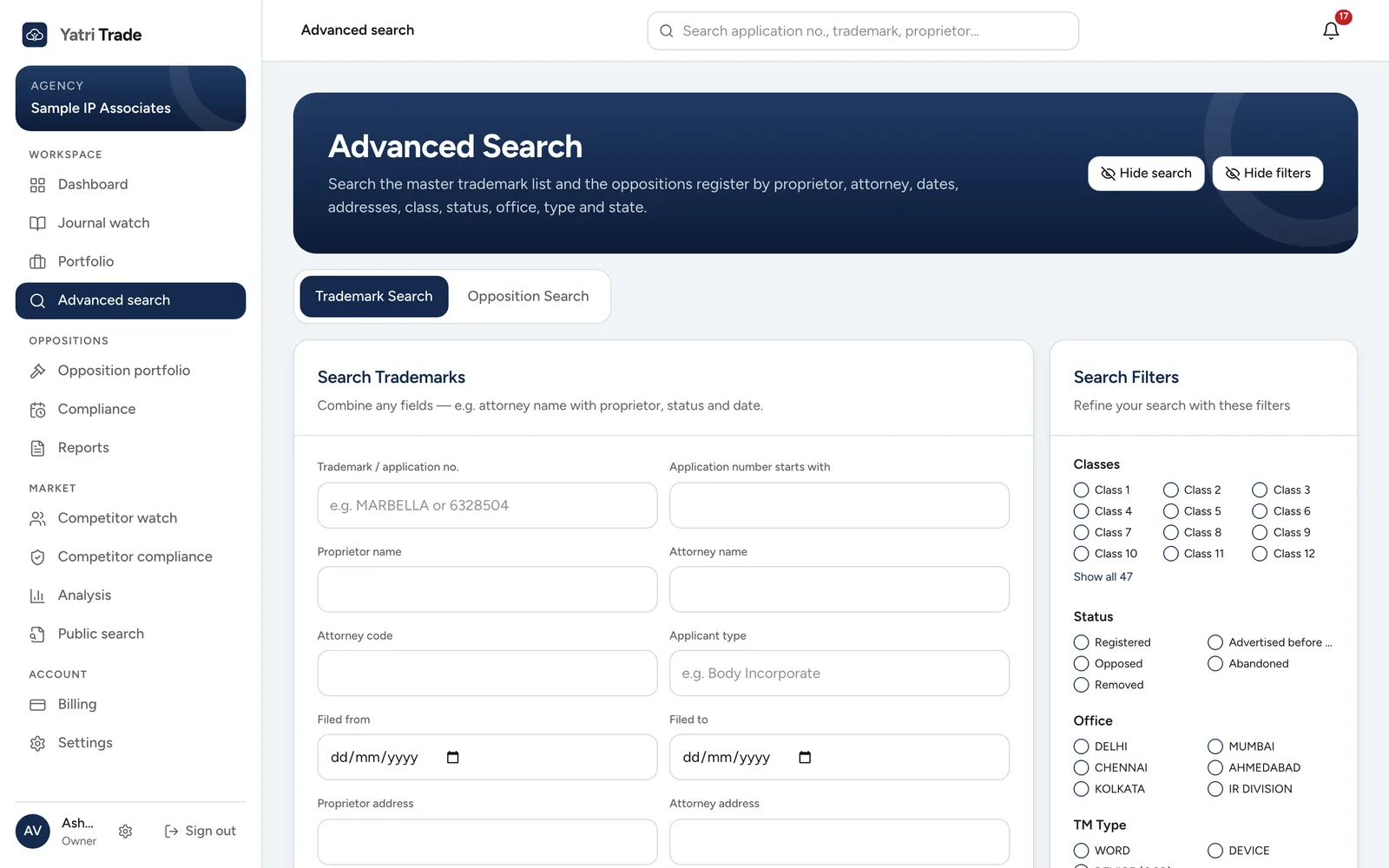
Advanced search. Fill in any of the fields on the left and narrow the results with the filters on the right.
Trademark search
Fill in any combination of fields:
- trademark name or application number,
- application number starting with,
- proprietor name and proprietor address,
- attorney name, attorney code and attorney address,
- applicant type, such as Body Incorporate,
- filing dates from and to.
Choose Search Trademarks. Clear empties the form.
Opposition search
Switch to the Opposition Search tab to search oppositions by application number, opposition number, opponent name, agent name, dates, opponent address, agent address or status. Choose Search Oppositions.
Search filters
The Search Filters panel on the right narrows either search by class, status, office, trademark type and state. Each option shows how many records it holds. Choose Apply filters to use them and Reset to clear them.
Hide search and Hide filters give the results more room. Show search and Show filters bring the panels back.
Results
Results show newest filings first; change the order with the sort menu. Select an application number or View to see the full record: classes, proprietor, attorney, goods and services, journal, oppositions and status history. From that record you can add the mark to your portfolio.
When a search matches more than 10,000 marks, the count reads 10,000+ and you can page through the first 10,000. Add a filter, such as a class or a date range, to narrow it down.
Export Excel downloads the results as a spreadsheet, up to 10,000 rows.